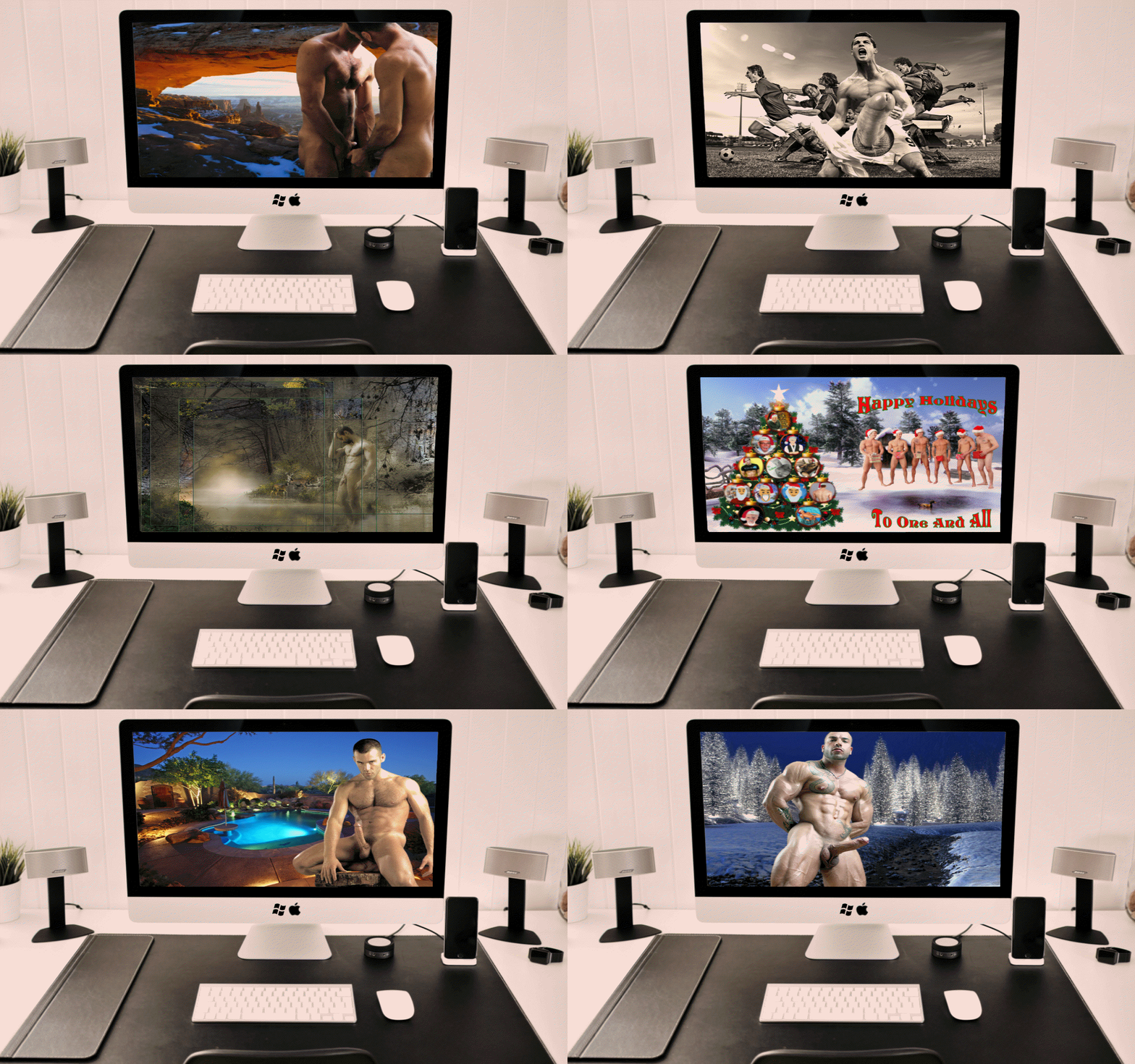
Well if the answer is Yes and You would like to have a New Desktop Wallpaper on Your Computer like any of these Top (10) that have been downloaded each time you turn on Your Computer, then just click on {How To Get Started} above to see what you need to do. Once you are done, then not only will you be receiving a New Wallpaper each time you start your computer, but you can also have your Desktop Wallpapers automatically be rotating ever hour or any of the (18) different time settings you choose. Hoping you like this newest service of mine.
Wallpaper Hugs (Brent)
PS: And for those of you that might like to temporarily hide all your Desktop Icon so that you can have a FULL VIEW of your favorite Walls like what is being shown above, then click on {Question & Comments} and check out the first Question. I have been using this little program for years and just love it. OK? Ok.
Thursday, July 6, 2017
Wednesday, July 5, 2017
Tuesday, July 4, 2017
Monday, July 3, 2017
Sunday, July 2, 2017
Saturday, July 1, 2017
Brent's Auto Wall 070117
(A Note Here): And if by chance you like this Wallpaper then you can see all (9) of My "I Don't Care What You Call Me, Just Call Me" Collection currently on the Home Page of My Original Wallpaper Blog @ Brent's Male Wallpapers II - Reborn
Friday, June 30, 2017
Brent's Auto Wall 063017
(Wide Screen Size)
Original Wall Title Was: Saturday - Saturn's Day
(A Note Here): I have received several e-mails asking me, "I have a question, when I go to your blog, the music starts within seconds, however when I click on a wall the music stops, do you know why?"
The answer to the question about the music starting and stopping on my blog is that when you click on anything that you are wanting to view you are basically telling the blog that you are wanting to reload to a new page on the blog, there for the music stops and then re-starts. To prevent this from happening, you always want to have at least TWO TABS open on my Blog at all times within your Browser. Tab ONE will always be on the Home Page of my blog that you came in on while tab TWO will be my Blog that you browser around in. So when visiting my Blogs, just right click on anything that you are wanting to view the 1st time and select from the drop down menu open in a NEW TAB and once the second tab is opened then you can browse around the blog like you always have while TAB ONE will continue to play the music with out it starting and stopping. OK? Ok. Hoping the way I explained this helps someone. ()()( Brent )()()
(A Note Here): I have received several e-mails asking me, "I have a question, when I go to your blog, the music starts within seconds, however when I click on a wall the music stops, do you know why?"
The answer to the question about the music starting and stopping on my blog is that when you click on anything that you are wanting to view you are basically telling the blog that you are wanting to reload to a new page on the blog, there for the music stops and then re-starts. To prevent this from happening, you always want to have at least TWO TABS open on my Blog at all times within your Browser. Tab ONE will always be on the Home Page of my blog that you came in on while tab TWO will be my Blog that you browser around in. So when visiting my Blogs, just right click on anything that you are wanting to view the 1st time and select from the drop down menu open in a NEW TAB and once the second tab is opened then you can browse around the blog like you always have while TAB ONE will continue to play the music with out it starting and stopping. OK? Ok. Hoping the way I explained this helps someone. ()()( Brent )()()
Thursday, June 29, 2017
Wednesday, June 28, 2017
Tuesday, June 27, 2017
Monday, June 26, 2017
Sunday, June 25, 2017
Subscribe to:
Posts (Atom)